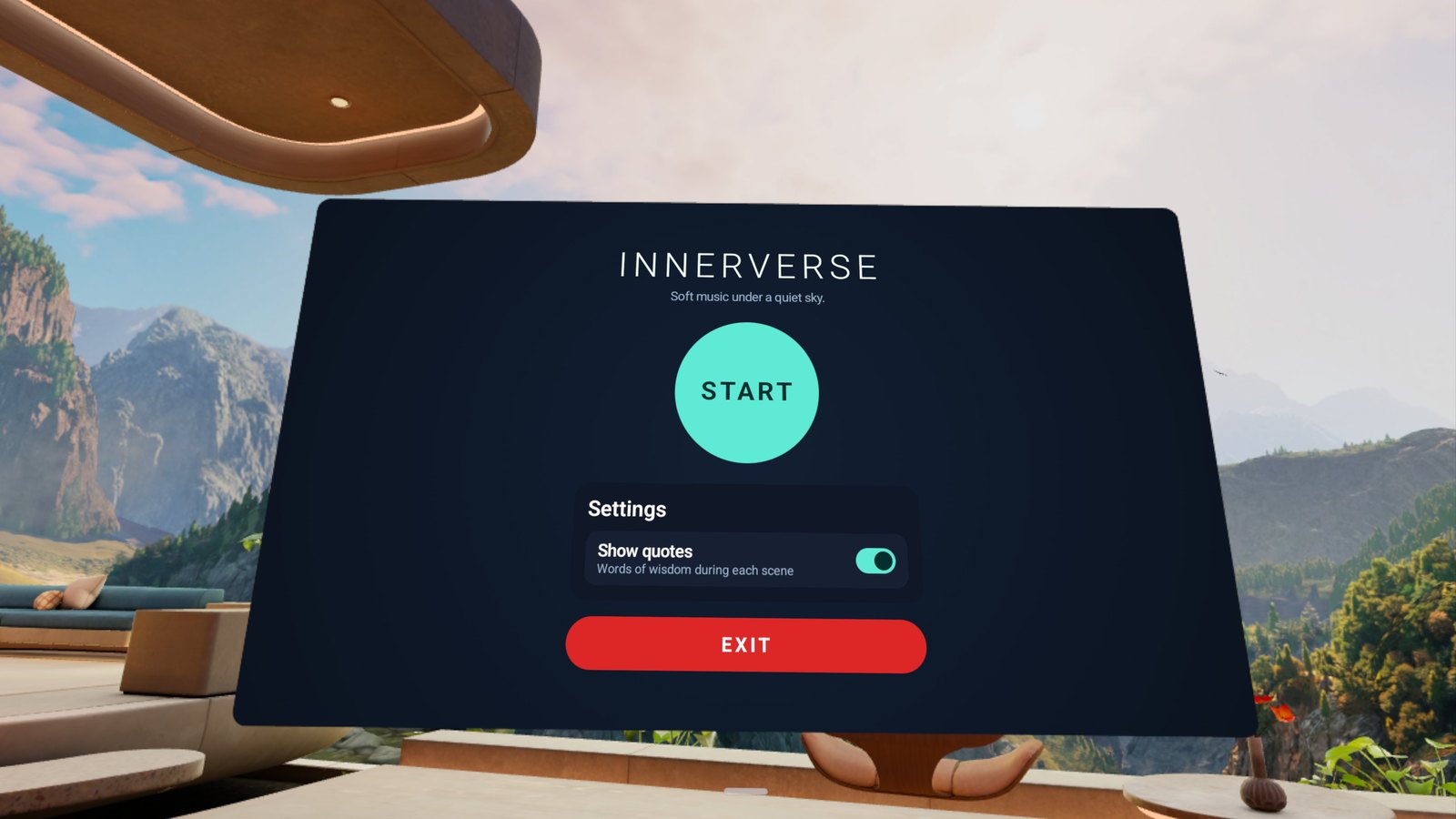
InnerVerse surrounds you with slow, abstract 3D scenes and calm music. Put the headset on, press Start and let your mind settle. No account, no internet, nothing to set up.

Everything in InnerVerse is made to be looked at slowly.
Stereoscopic 360° scenes that wrap all the way around you: nebulae, auroras, rings of light, slow waves and drifting patterns, each with real depth.
Ambient, piano and guitar pieces play in a shuffled loop. Skip forward or back whenever you like.
A short quote from a philosopher, scientist or poet appears during each scene. Prefer a clear view? Turn quotes off with one switch.
Scenes come in a fresh random order every session, arranged so that similar ones do not follow each other.
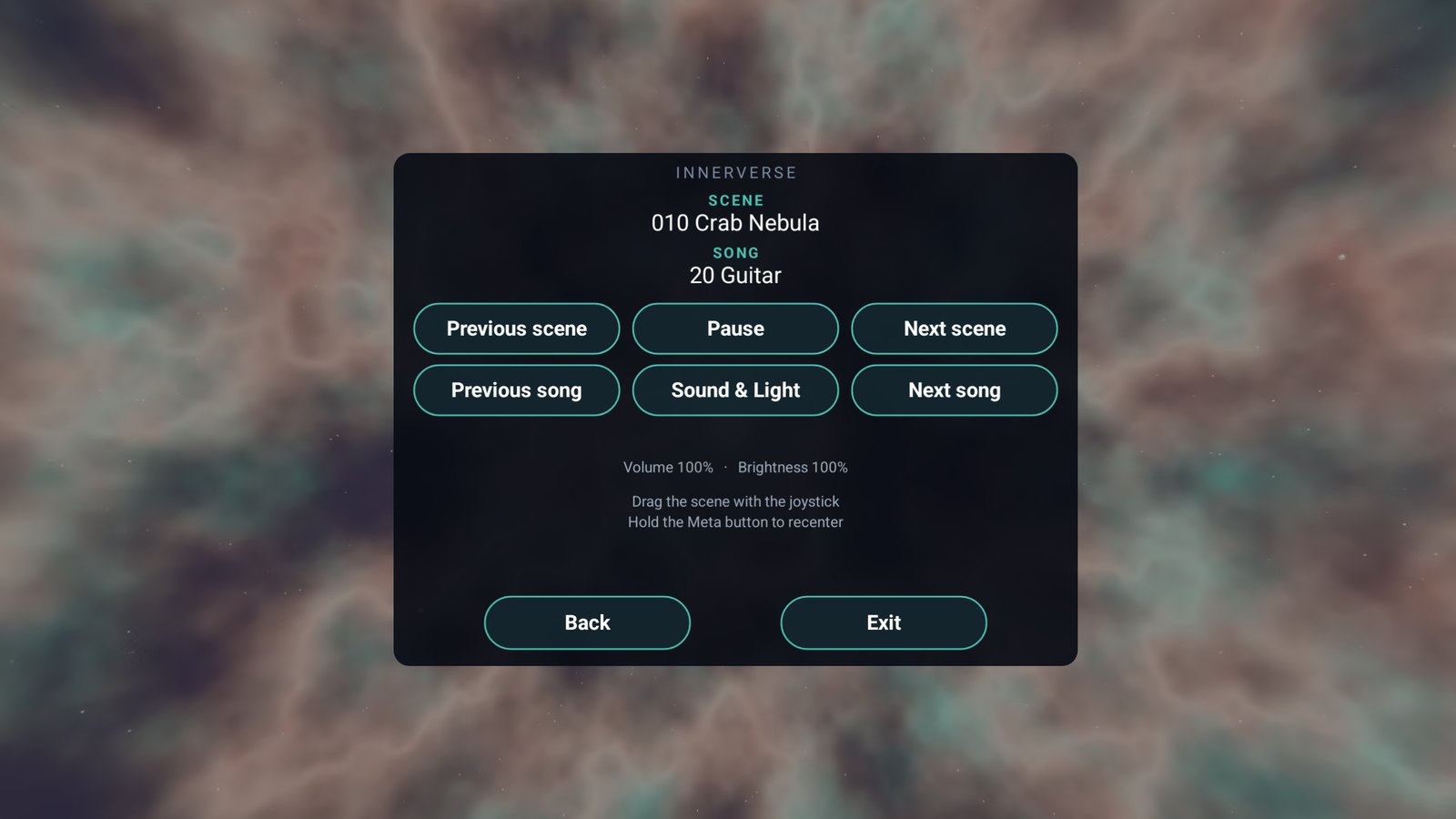
Pause, change the scene or the song, and set volume and brightness from a simple menu. Your settings are remembered.
Put the controllers down if you like. Pinch your thumb and index finger to open the menu and to press its buttons.
All scenes and music are stored on the headset. InnerVerse has no account, no ads and no internet access at all.

Sit or stand comfortably. That is all you need.
Open InnerVerse and press the Start button. The first scene opens around you and the music begins with it.
Each scene lasts about 30 seconds and then gives way to the next one. Turn your head, or drag the scene with the joystick.
Open the menu with the trigger or a pinch to pause, skip, or adjust sound and light. Press Exit when you are done.


InnerVerse is made for Meta Quest headsets. Use the Touch controllers or just your hands.
No. Every scene and every track is installed with the app, so it works anywhere, including in flight mode.
No. There is no voice and no instructions, only scenes, music and an optional quote. Use it to unwind, to breathe, or as a calm background for your own practice.
Yes. Use the Show quotes switch on the start panel.
Scenes move slowly and you stay in one place the whole time. You can use InnerVerse sitting or standing, and lower the brightness in the menu if you prefer a dimmer view.
No. The app cannot even connect to the internet. See the privacy policy.