It comes with something to look at
Forty-two images ship inside the app, so there is a reason to put the headset on before you have copied a single file across.
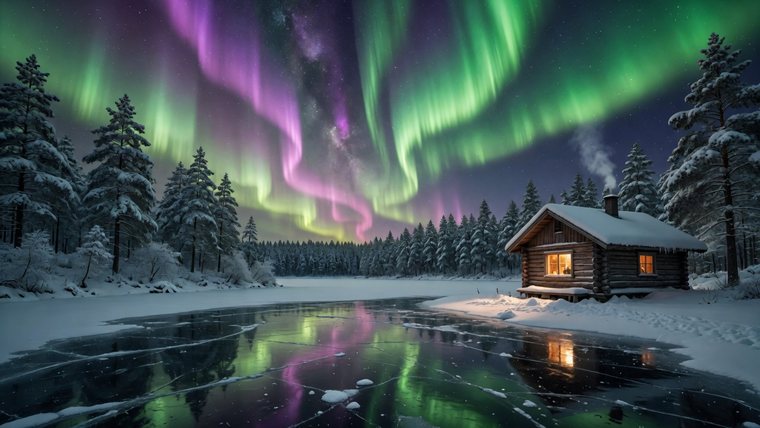




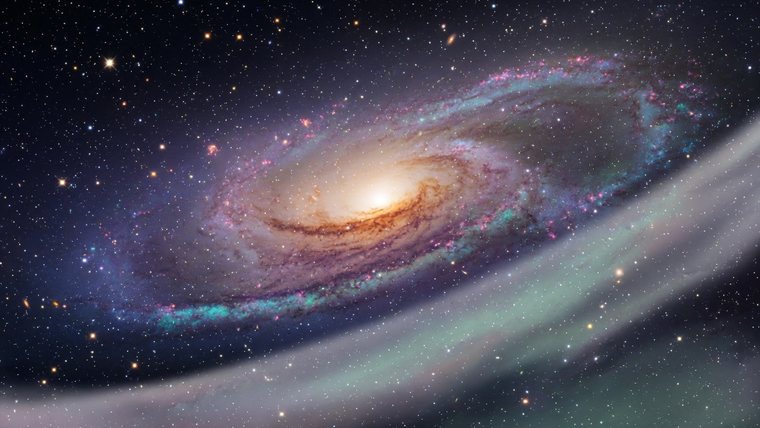
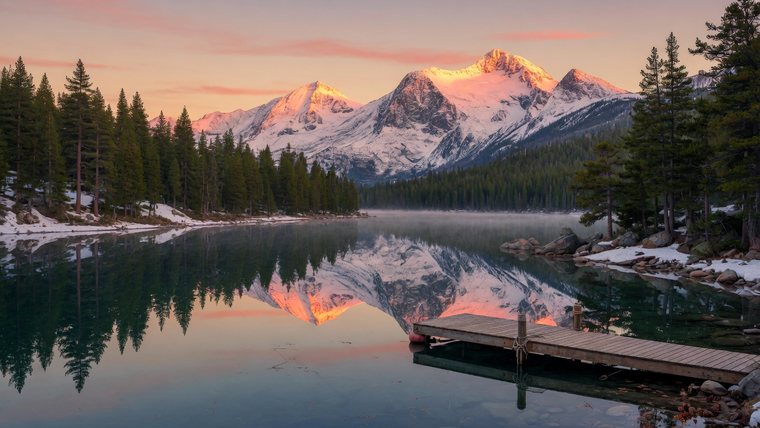



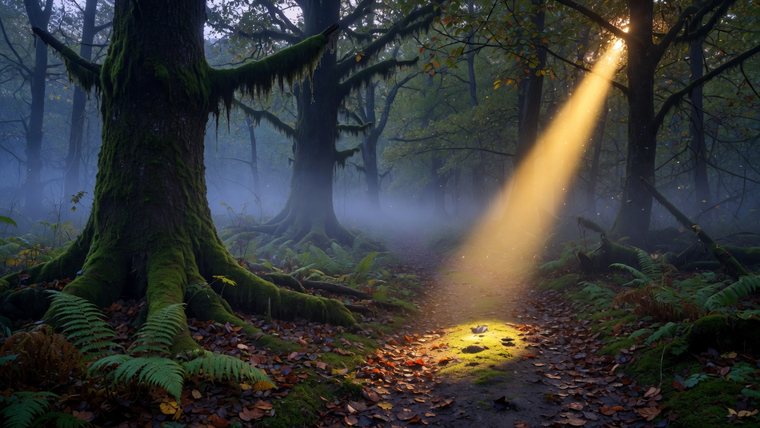

Sample images included with Vista Pictures VR.
Photos, 3D models, 360 skies and material textures — in one browser, on a screen as large as you want it, or wrapped all the way around you.
Forty-two images ship inside the app, so there is a reason to put the headset on before you have copied a single file across.
Sample images included with Vista Pictures VR.
Built for the way you actually use a headset, not for the way a file manager works on a desktop.
Open anything in a full immersive space. Stand inside a 360 sky, orbit a model at any scale, and see it lit by the environment around it.
Key light, ambient, reflections and shadows on real sliders. Nine colour grades, sharpness and clarity. Assign a different texture from your own library.
Thumbnails are built in the background at startup and cached, so scrolling stays smooth even through folders of 8K skies. Models show their shape the moment the geometry is read.
Passthrough on an opacity slider. Fade your own room in behind whatever you are looking at, all the way from solid to gone.
Search Poly Haven without leaving the app and pull down skies, models and textures at the resolution you choose. Everything there is free and public domain.
Headset storage, USB drives, SMB and network shares, Dropbox, Google Drive and OneDrive — all in the same browser.
If it is a picture, a model or a sky, it very likely opens.
JPEG · PNG · WebP · HEIF
GIF · BMP · AVIF
GLB · glTF · STL
OBJ · PLY · 3MF
Radiance .hdr · .pic
OpenEXR · up to 16K
Colour, normal, roughness
and the rest of a PBR set
No account, no analytics, no advertising. Your files are read where they sit and are never uploaded. The app reaches the internet only when you ask it to — searching Poly Haven, or opening your own cloud and network storage.
Read the privacy policy