Wi-Fi file server · Meta Quest

Your headset,
on your Wi-Fi.

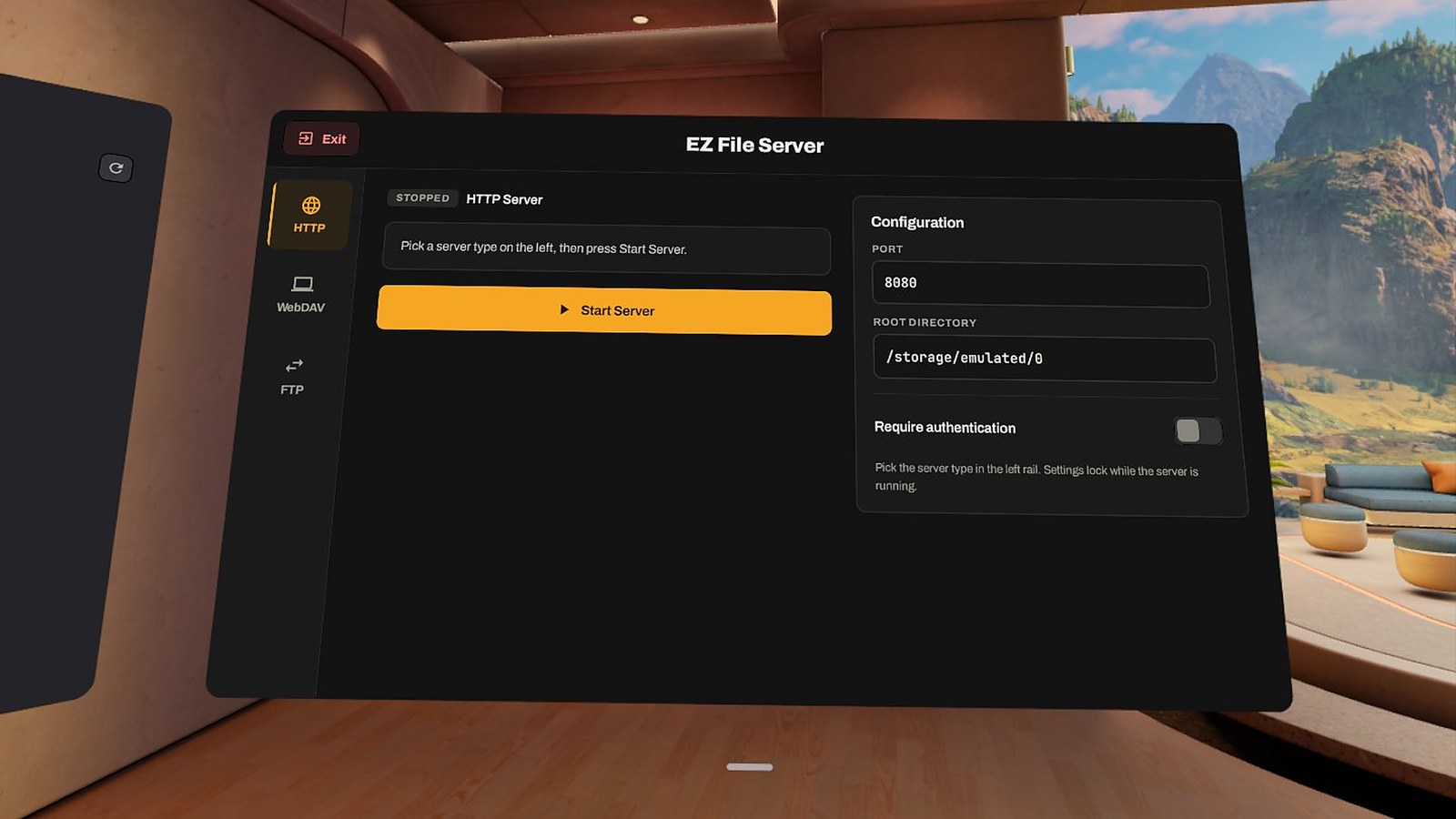
EZ File Server turns your Quest into a file server. Pick HTTP, WebDAV or FTP, press Start, and move files between the headset and any PC, Mac or phone. No cable, no cloud, no account.

Coming to the Meta Horizon Store Join the Discord
HTTPWebDAVFTP
EZ File Server open in its window in Meta Horizon OS

Three ways in

One server at a time, chosen with a single tap in the side rail.

HTTP: any browser

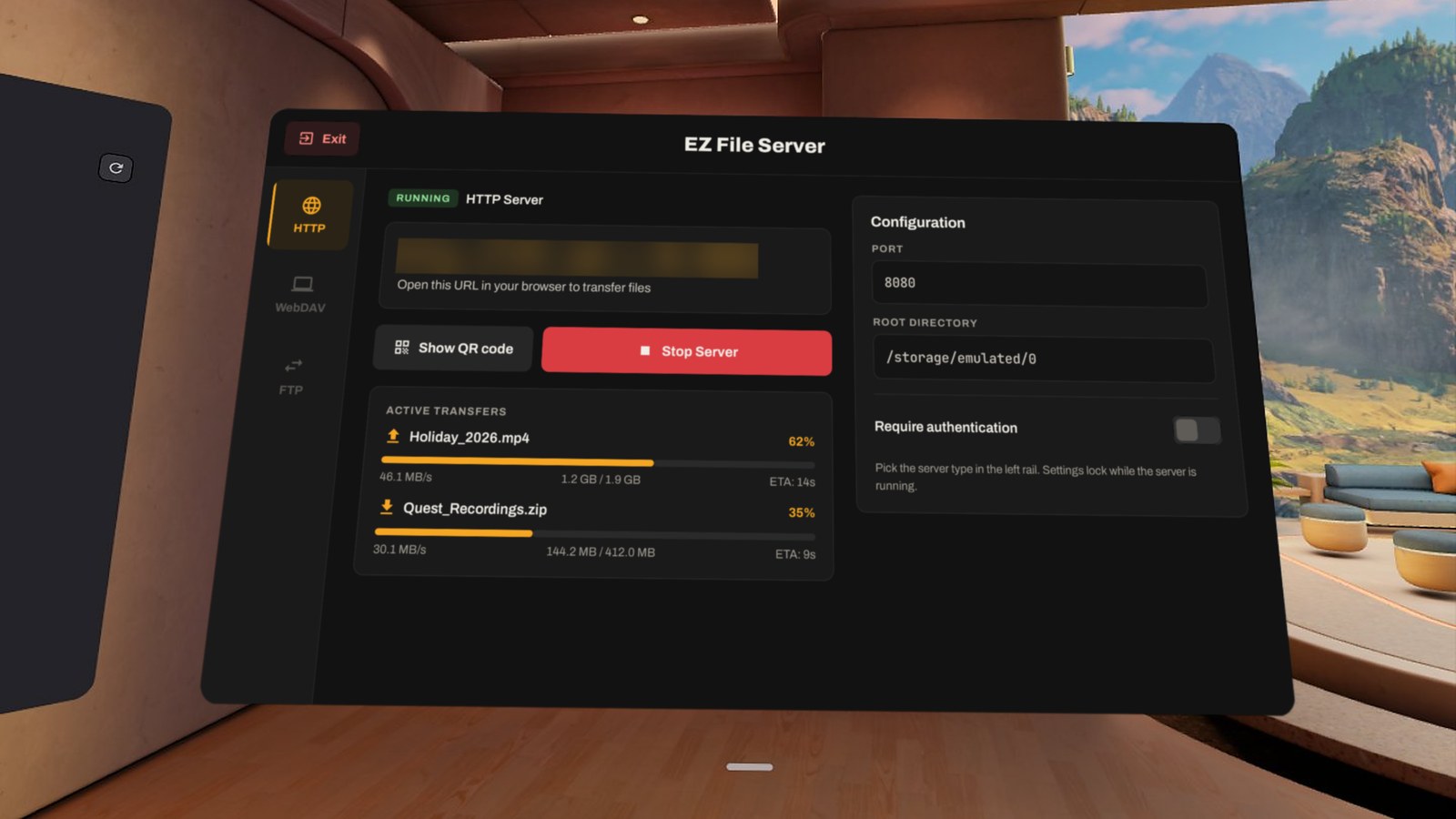
Open the address on your PC, Mac or phone. Upload files and whole folders, download files, grab a folder as a ZIP, create and delete folders. Big buttons that work on touch screens.

WebDAV: a network drive

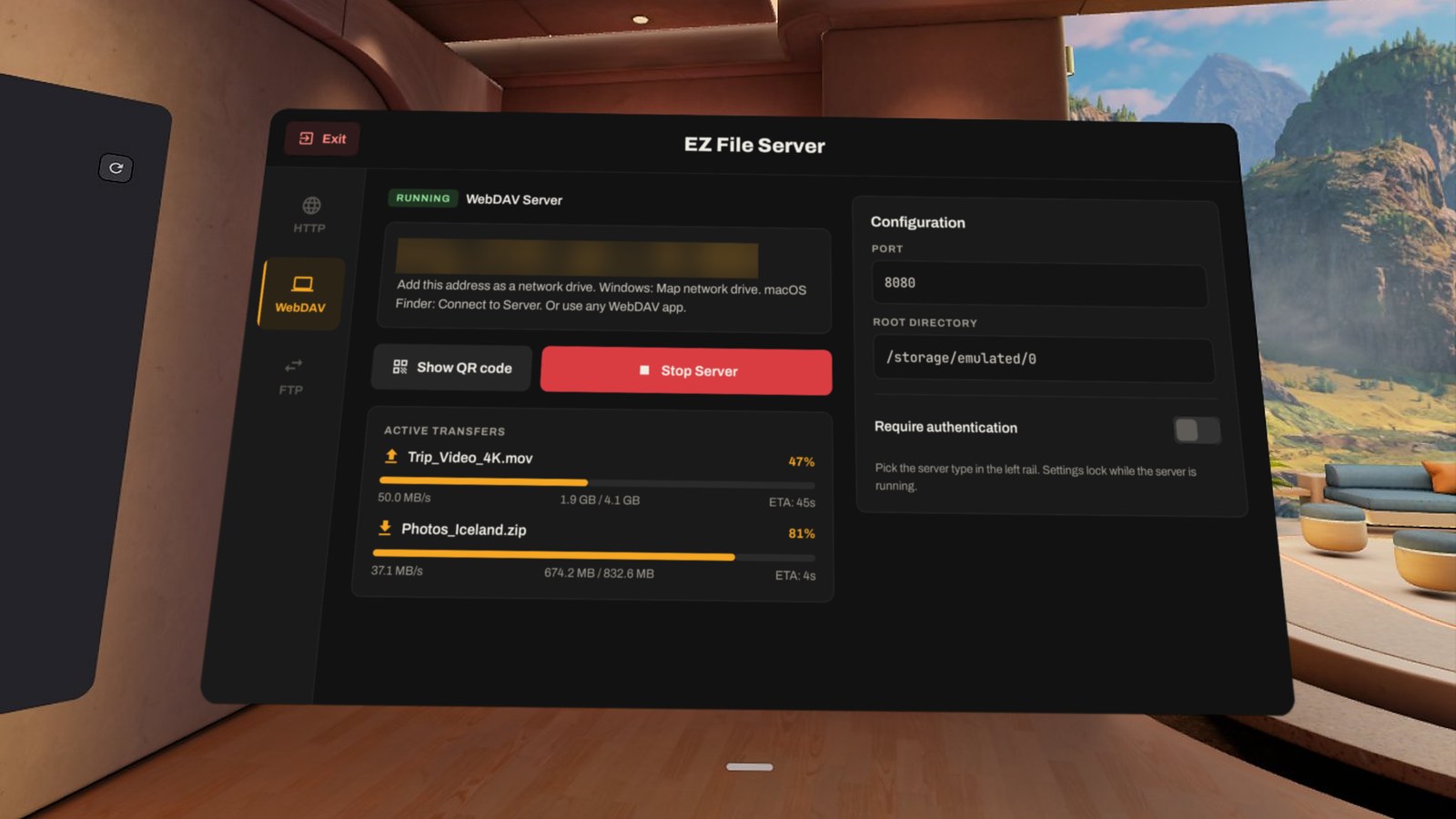
Add the headset as a drive in Windows ("Map network drive"), macOS Finder ("Connect to Server") or any WebDAV app, and work with it like a USB disk.

FTP: your favourite client

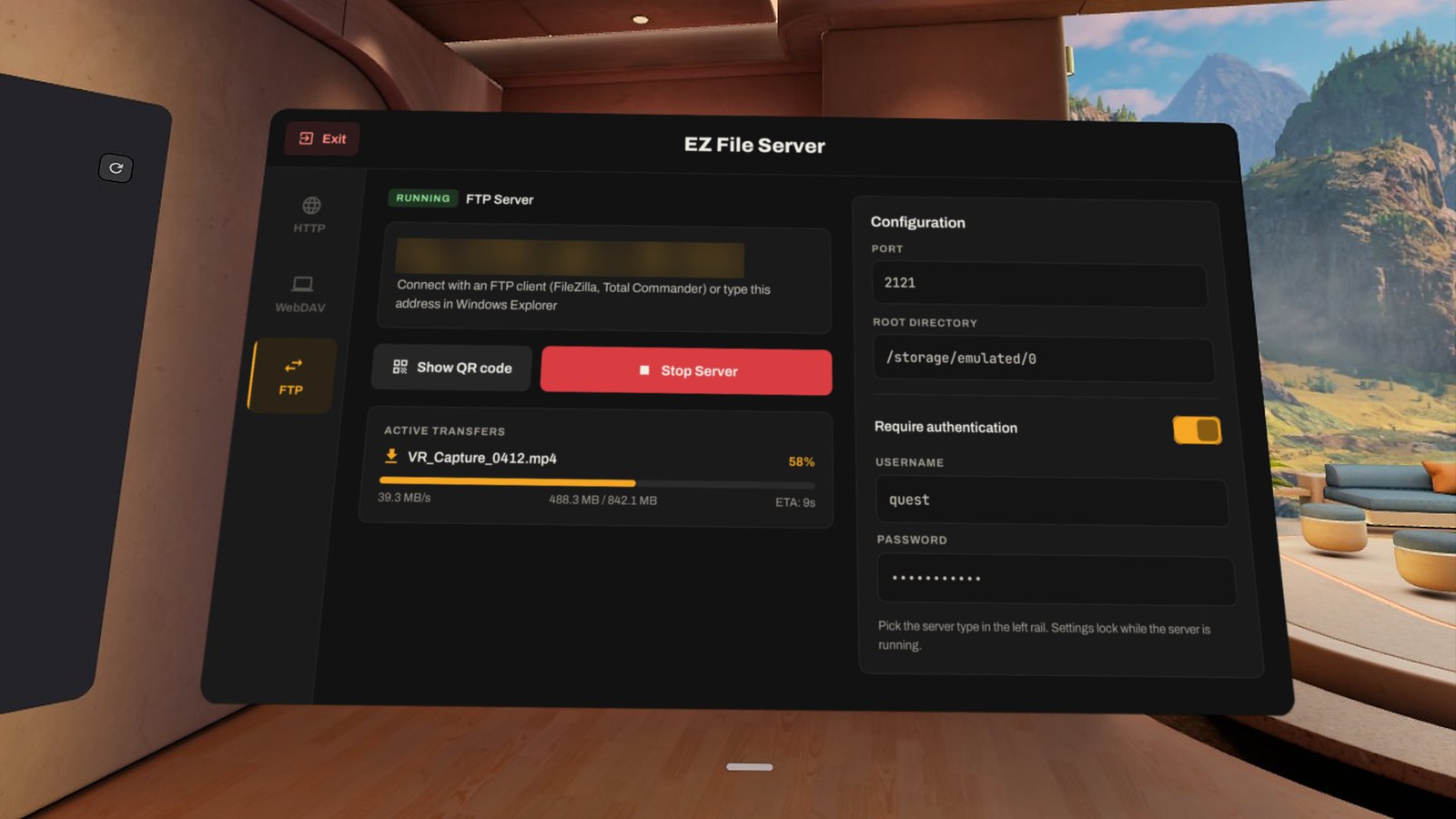
Connect with FileZilla, Total Commander or Windows Explorer. Interrupted uploads resume where they stopped.

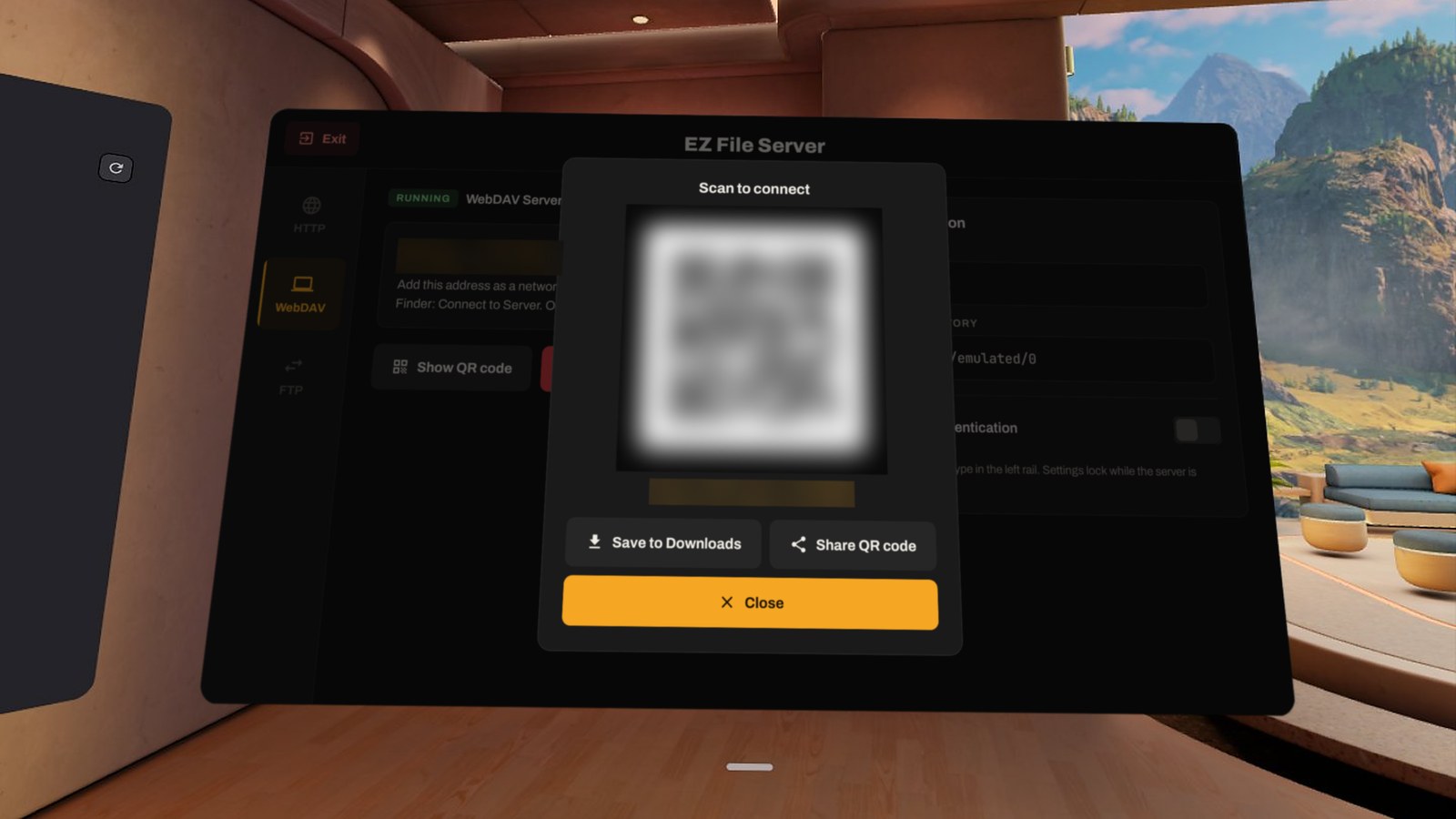
QR code to connect

Too long to type? Show the QR code in the headset and scan it with your phone, or save it and share it.

Your rules

Choose the port and the folder to share, and turn on a username and password so only you get in.

Live progress

Every upload and download shows progress, speed and time left, right in the headset.

How it works

Headset and computer on the same Wi-Fi. That is all you need.

Pick a server

Open EZ File Server and choose HTTP, WebDAV or FTP in the side rail.

Press Start Server

The address appears in big letters, for example http://192.168.1.50:8080. Or show the QR code.

Connect

Type the address into a browser, add it as a network drive, or connect your FTP client. Done.

Screenshots

FAQ

Do I need a cable or a PC app?

No. Your other device only needs a browser (HTTP), the built-in network drive feature of Windows or macOS (WebDAV), or any FTP client.

Does it work with phones and iPhones?

Yes. The HTTP panel works in any mobile browser. Upload photos and videos straight from your phone and download files from the headset.

Is my data sent to the internet?

No. Files travel only between your devices on your local network. EZ File Server has no servers, no accounts and no analytics. See the privacy policy.

Is the connection encrypted?

No. HTTP, WebDAV and FTP are plain, unencrypted protocols. Use EZ File Server on a network you trust (your home Wi-Fi), and turn on a password if others share that network.

Windows won't connect to WebDAV with a password

By default Windows only sends passwords to WebDAV servers over HTTPS. Either start the server without a password, or set BasicAuthLevel to 2 in HKLM\SYSTEM\CurrentControlSet\Services\WebClient\Parameters and restart the WebClient service. FTP and HTTP are not affected.

Does the server keep running when I close the app?

No. Closing EZ File Server (Exit, or closing its window) stops the server, so nothing stays shared by accident. Keep the app open while transfers run. If the headset goes to sleep, Wi-Fi may switch off and the server stops responding. Turn off auto sleep for long transfers.